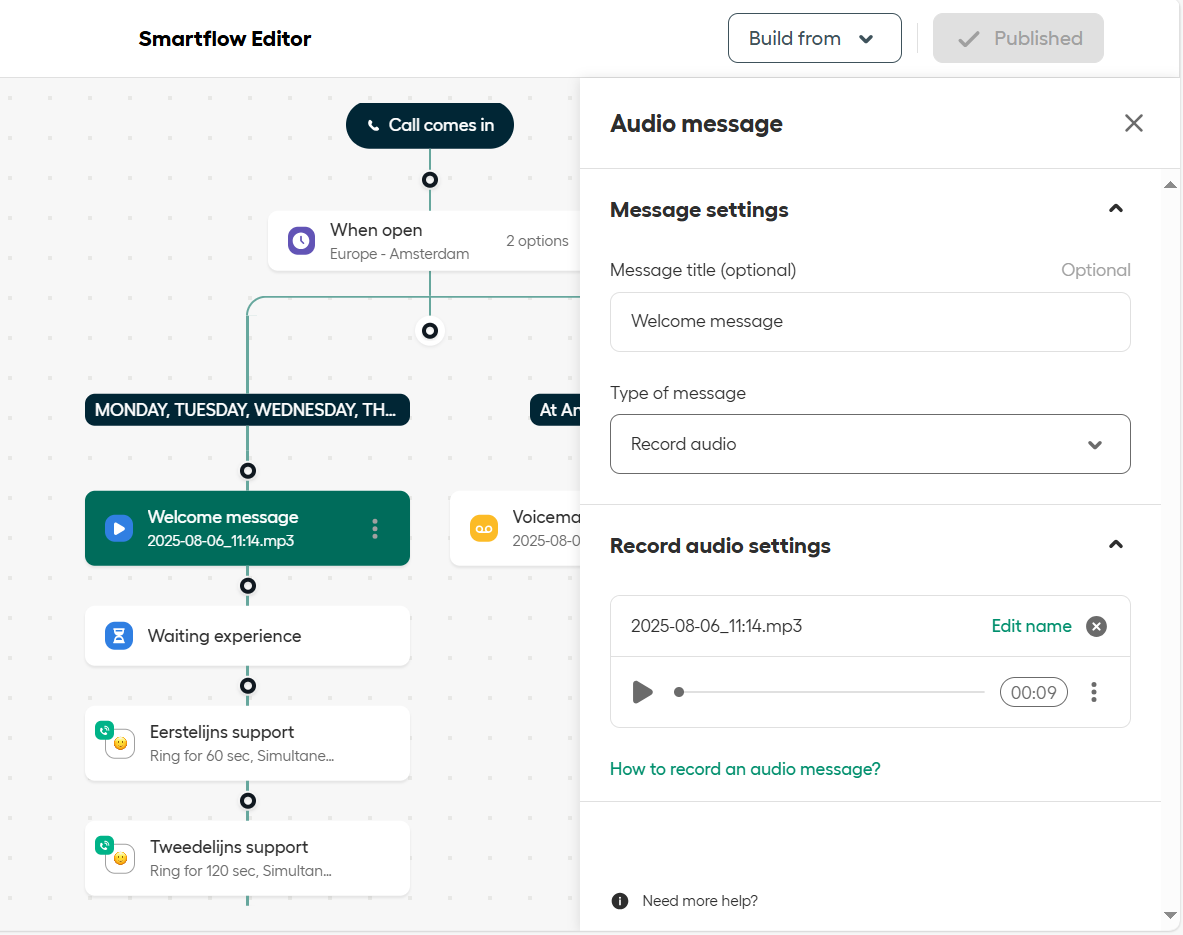
It is possible to change the automated voice message in aircall. This can be done by navigating to numbers, clicking on the correct number (e.g. Taylor Support - Call & Whatsapp). Under call distribution a scheme is shown with the call flow. It consists of a part that is triggered during working hours, and a part that is triggered after hours.
The scheme can be edited using the 'edit' function, each message can be either text to speech, a custom file or an on the spot recording. Do not forget to publish when changes are made. The new messages can be previewed in the dashboard itself.