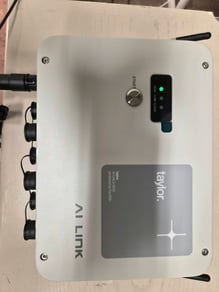
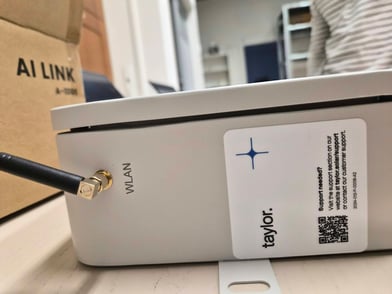
1) Make power adapter cable.
No power supply is standard in the box, so this needs to be made. Make sure the power adapter has a twin core cable coming out of it (shown in image), as you need 2 connections for the ai link power connector. Also the adapter must supply 12 Volts and 2 Ampère
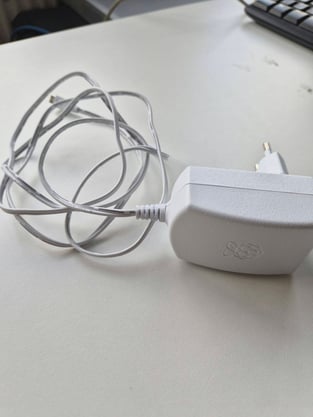
Cut off the end of it and strip the cable to plug into the connector on pins 1 and 2
To do this follow the following guide:
Required materials:
- A computer with WiFi;
- A 10-27V DC power supply, or power supplied by the inverter.
- The update file AILink_local_upgrade_2.2.0.zip
Operation Instructions:
1. Power on the AI Link. Connect your computer to the Wi-Fi hotspot “EMS-xxx”, where "xxx" is the SN of the AI Link.
Default password: 12345678
2. Double-click to run "AILink_local_upgrade.exe" to start the upgrade process.
- The first line displays the version of the upgrade tool for reference and troubleshooting purposes.
- During the upgrade, please verify that the SN displayed is correct.
- When the message “100% All upgrade success.” appears, along with the updated version number, the upgrade is successfully completed.
- Press any key to exit the interface.
Notice:
After the first run, a "log" folder will be generated automatically:
"ems_update.csv": used to record the upgrade history
"ems_update.log": contains the tool operation logs
3) Put taylor stickers on the ai link
2 stickers are required, the ai link sticker and the support sticker