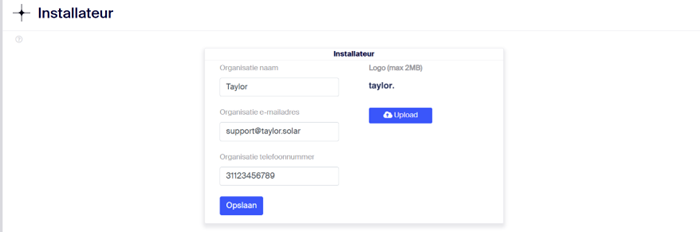
When notified that someone no longer works at a specific company and does not want to be contacted regarding their former role, follow these steps to remove their contact details to avoid accidental communication:
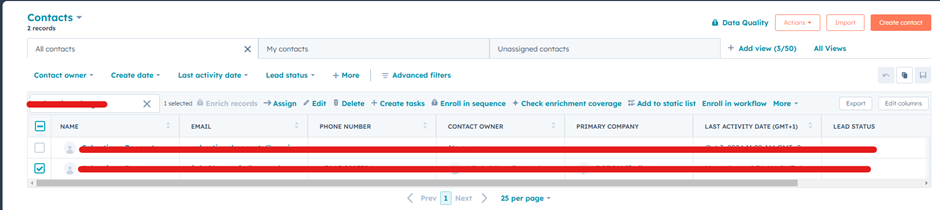
Hubspot
- Navigate to CRM > Contacts in HubSpot.
- Search for the person's name and select their profile.
- Delete the contact from HubSpot.
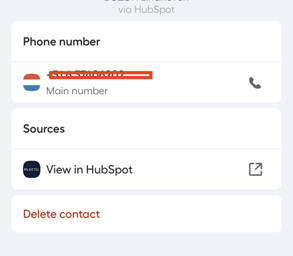
Aircall
HubSpot and Aircall should synchronize automatically, but always double-check:
- Search for the person's phone number in Aircall.
- If the contact is still present, delete it manually.
MGMT App
- Open the Management App and go to Portfolio Instellingen:
- Click on the Taylor logo in the top-right corner and select "Portfolio Instellingen."
- Search for the contact.
- Edit their details and remove at least their phone number and email address.

If the person is a main contact:
If the individual was listed as the main contact for the company (e.g., their details are displayed on the dashboard for any site):
- Log in as a Super Admin using the email provided on the dashboard for that company.
- Navigate to Portfolio Instellingen and update the main contact information accordingly.